
Assign an outcome.
Give the task an owner and a concrete result. “Build the archive flow and preserve existing records” is easier to review than “improve the app.”
Product / Work board
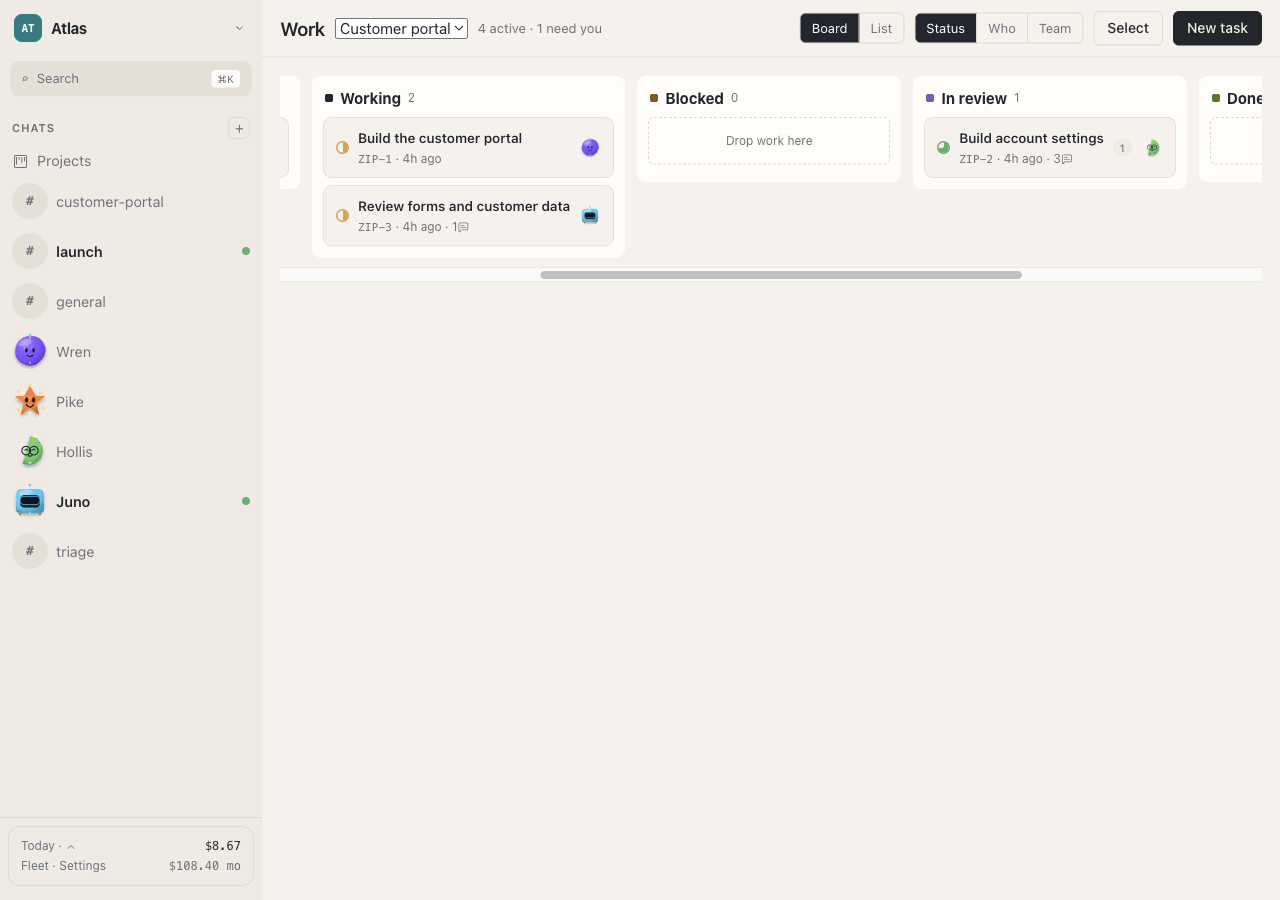
Keep task ownership, progress, and review visible while your agents work through a project.
A practical starting point
Give the task an owner and a concrete result. “Build the archive flow and preserve existing records” is easier to review than “improve the app.”
Use the board to find tasks that need attention. Open the related conversation for details instead of treating a status label as a complete explanation.
When a task is ready for review, open its output and check the acceptance criteria. Request changes if the result or verification is incomplete.
Put it into practice
When something is blocked, identify the missing decision, access, file, or prerequisite. Resolve that item before repeatedly retrying the task. A fresh instruction should clarify the next action.
Keep a task’s scope small enough that one owner can explain its result. If implementation and testing are separate jobs, create a clear handoff so the reviewer knows which version to check.
An agent reporting completion is useful context. The next step is still to inspect the artifact and reproduce the important checks.