
The field guide
Your first team.
A clear starting point.
Get oriented before you connect a model or ask an agent to start work.
Start with a look around.
The website’s interactive demo runs in your browser with example data. It needs no account, API key, or installation, and it does not execute agent commands.
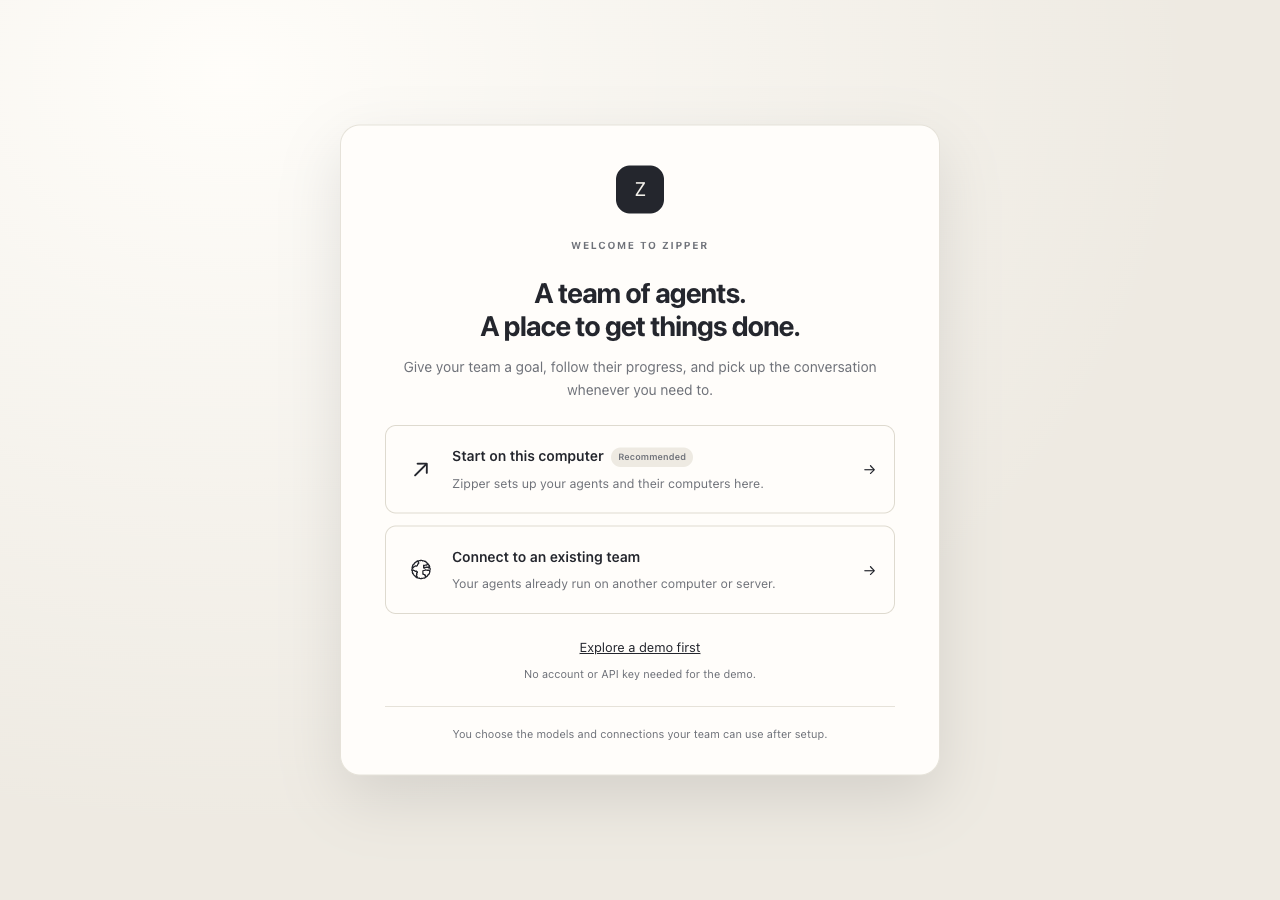
Choose where the team will run.
The host keeps the workspace and runs the agent computers. It needs to remain awake and connected for background work to continue. A remote host can help when your laptop is not always online.
| Host | What to know |
|---|---|
| macOS | Recent packaged startup checks included a real Linux agent computer and file persistence across stop and resume. The current Apple Silicon app is signed by Eggshell LLC, notarized by Apple, and verified with Gatekeeper. |
| Windows | The x64 installer passed native installation and welcome-screen checks in an automated build. Full local-agent workflow testing remains in progress. |
| Linux | The x64 Debian package passed native installation and welcome-screen checks. An AppImage is also built; its launch and broader agent workflows need further verification. |
Follow the setup prompts for the build you receive. Runtime requirements can differ by host platform. Read how agent computers work
Connect the model you want to use.
Real agent work requires a supported model connection. Configure it in the app with the provider account or API credentials appropriate to that connection, and confirm the provider has credit or capacity before assigning work.
- Use the app’s account settings for credentials, not project notes or chat.
- Start with a small task to confirm the connection works.
- Review the provider’s charges and data policy.
Model requests include the context needed to perform the task. Tools can also contact the external services you enable. Read the privacy overview
Give the team one clear project.
Write the brief.
Describe the result, the constraints, existing work to protect, and what you will check. A small first task is easier to assess.
Choose a few roles.
Start with a builder and a reviewer, adding a coordinator if needed. More agents do not automatically produce better work.
Share the working context.
Put the brief, notes, and intended working files in the project. Give each teammate ownership of a task or set of files.
Assign the actual work.
Adding a teammate to a project does not start a task. Send a specific request, say where to save the output, and ask for a handoff with checks and open issues.
Ask for evidence, then inspect it.
Open the files, follow the run instructions, and check important results yourself. For development work, have a reviewer reproduce the build and relevant tests. For research, check the sources. A reported completion is not proof of correctness.
Request changes when something is missing. Keep external publication, important account actions, and other consequential steps as explicit decisions.
See your progress and review controlsWhen the work pauses.
The agent said it would work, then went quiet.
Check whether the task is running, blocked, in review, or waiting for approval. Open the recent conversation and routine activity for errors. Confirm the host is awake and connected, and that the model provider has credit. Retry after resolving the cause; avoid sending the same request repeatedly while it is still running.
The agent cannot find a teammate’s file.
Check that both agents are using the same project folder on the same host. Ask the sender for the exact file path and the recipient to verify it exists. A file in an agent’s private workspace is not automatically a shared project deliverable.
The computer or runtime did not start.
Read the setup error before retrying. A port conflict, missing runtime prerequisite, or unavailable host needs a different fix. Keep the failure message and build version for your bug report; leave out credentials and private project content.
I need the task to continue overnight.
Use a host that will remain awake, connected, and running Zipper’s agent service. Check model limits, budget, and approvals beforehand. Sleep, shutdown, provider failures, or required decisions can still interrupt the task.
Start with something real
Your next idea deserves a team.
Choose your desktop preview, understand the setup, and give your team a clear first project.